

With the nearly untenable amount of launchers and storefronts currently available on PC, a joke eventually arose from this heap of software that essentially said, “Soon enough you’ll need a launcher for all of your launchers.” Sure enough, in the past few years we’ve seen several pieces of software try to position themselves as the last launcher you’d ever need. From Playnite to Discord, there have been no shortage of these inter-intermediaries available, but I’d like to focus specifically on GOG Galaxy.
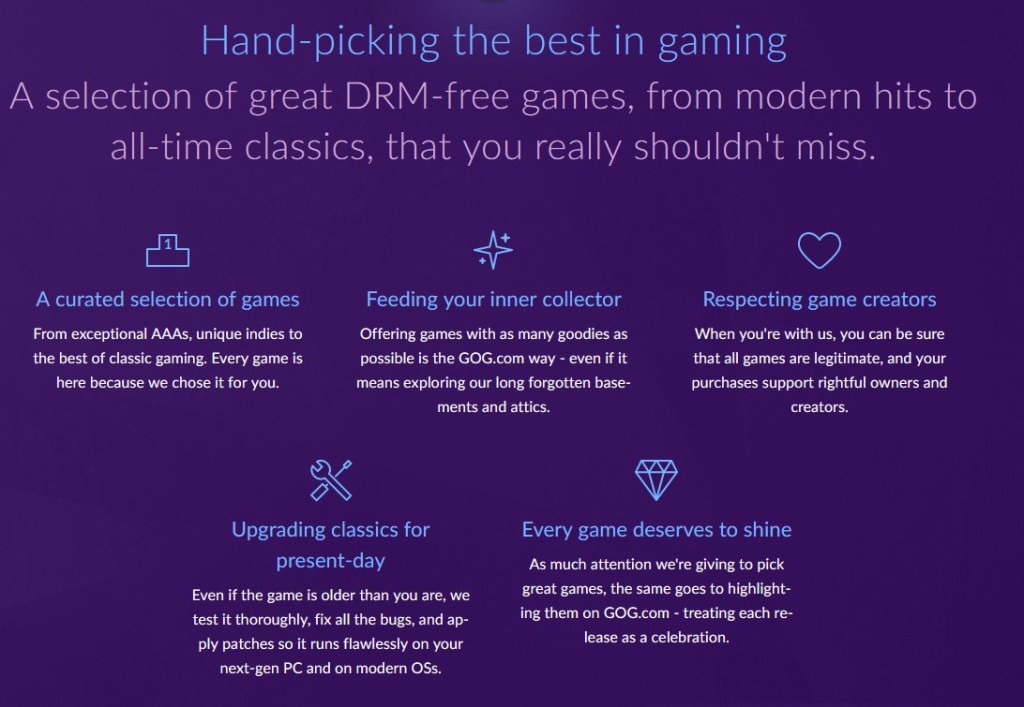
For years now, GOG has offered a wide variety of classic and modern games for people to purchase and download, all of which carry a DRM-free guarantee. Essentially this means that unlike a Steam or a Uplay, games purchased on GOG are just yours and don’t require an extra layer of software to run. The makers of GOG also happen to be the people behind a little indie game series, perhaps you’ve heard of The Witcher? I think that’s what it’s called.
A few years ago, the makers of GOG made the decision to launch their own software that could not only be a storefront, but a launcher for your games. Just last year however, GOG announced and later added the ability to integrate your accounts from all corners of the PC launcher universe and settle them all in one place.
While other software had existed that filled this void well before GOG Galaxy was released into an open beta, I never felt emboldened to actually use any of them. This changed for me due to two very important developments in the way I get and play games. Firstly, the Epic Games Store started to sell a lot of games I was very interested in, while also giving away new games every week. And secondly, Xbox Gamepass became a part of my life. Now, the Epic Games Store has come a long way since it launched, but it’s still a bit too messy for my taste. Then there’s the Xbox Gamepass for PC launcher which is still in beta, but can be a laggy and unresponsive nightmare at times that I’d prefer to use as little as possible.
Those factors combined with the disgusting amount of games I own that are spread out across so many launchers meant it was finally time to try some sort of universal solution. So I embarked on the tedious journey of trying to remember all of my logins to these other services, forgetting them, and resetting every password I had in an attempt to streamline my gaming experience. I understand that GOG Galaxy is still technically in beta and isn’t finished, so take what I say next with that in mind.
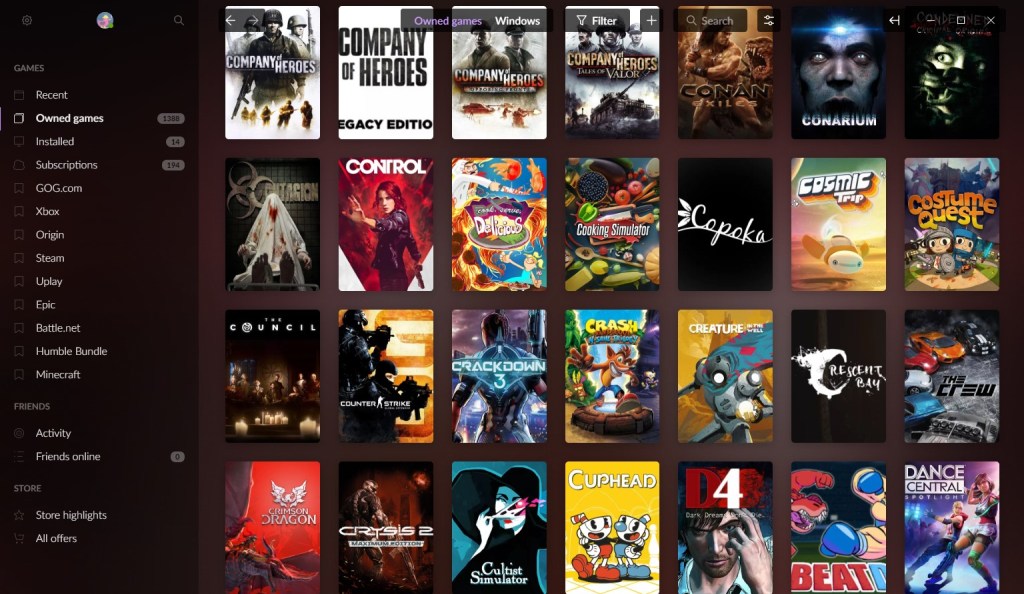
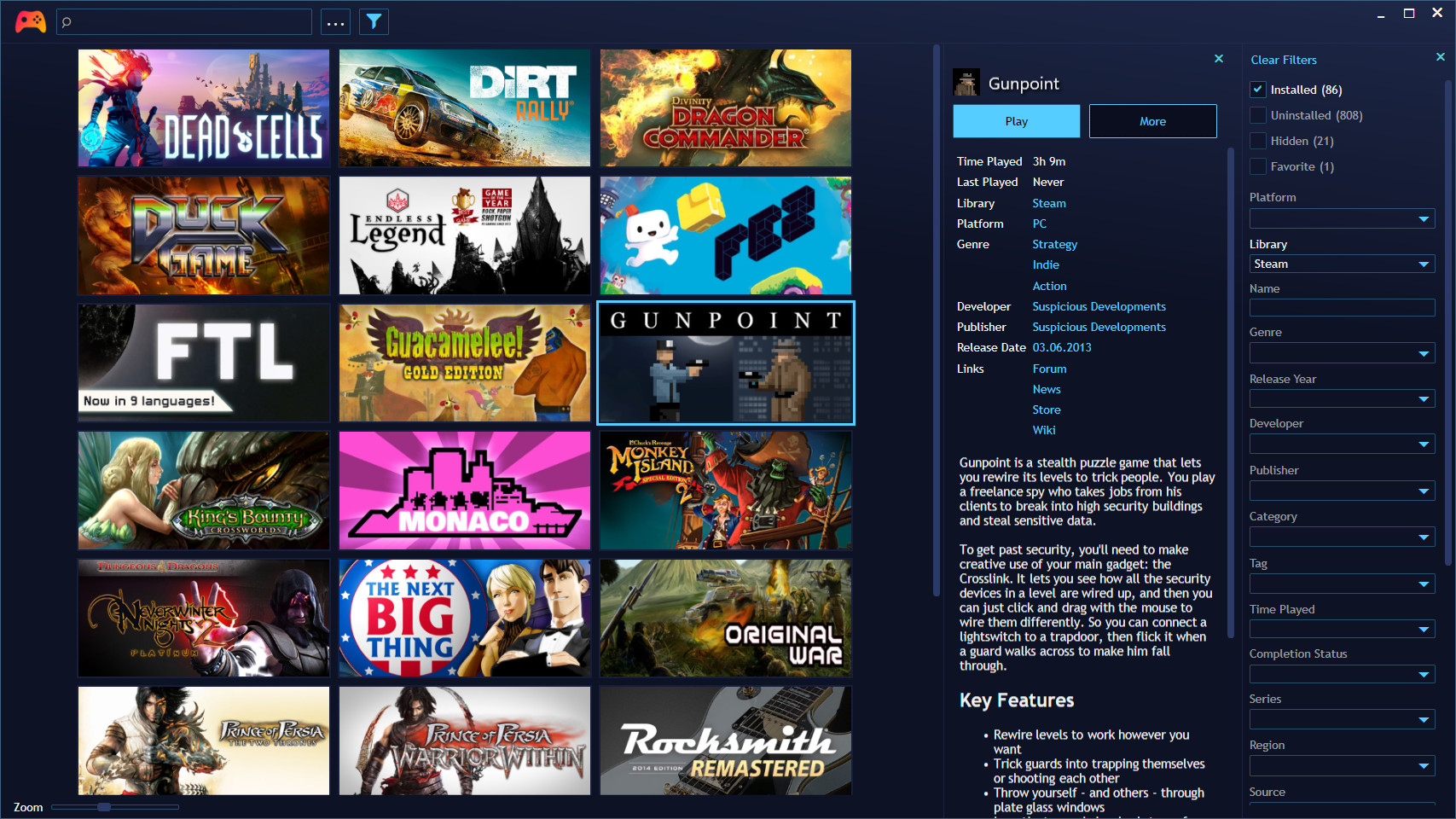
I really like how everything in GOG Galaxy is laid out. It’s clean and simple to understand, while offering a ton of different sorting filters and categories for further refinement of your game library. Setting it up is simple as well, that is unless you don’t remember your logins to other services, but that’s never happened to anyone.
What is frustrating however is how you might find yourself waiting longer than it would take to just launch another launcher to play your game of choice. Whenever I start GOG Galaxy from scratch, it understandably has to validate and verify your logins to every service you’ve connected, and make sure your lists, stats, friends and recent activities are all represented as up to date and accurately as possible. For some services, this is hardly noticeable if at all, and is what I would consider seamless. But for other services, specifically Steam, I find that sometimes I’ll have to wait a few minutes for the list populate or to even verify my account is connected to GOG Galaxy.
To be completely fair though, I do have an unnecessarily big Steam library, so maybe that might be a reason for its occasional hiccups? But those hiccups are the sole reason as to why I don’t consistently use the software anymore. At this point I just default to opening Steam when I want to play I game I purchased through there, or clicking on a shortcut I have on my desktop. Very rarely am I opening GOG Galaxy at all, and it’s almost exclusively to avoid having to open the Xbox Gamepass PC launcher.
Outside of that, I just wish that the GOG Galaxy overlay actually worked so I could capture screenshots of every game I play, without having to worry about which games respect the GeForce overlay, which a surprising amount of games just don’t do in my experience. Having a universal way to capture images from games would make writing articles for this site a whole lot easier.
But in all seriousness, I think once GOG Galaxy sands down all of those rough edges I’ll ultimately return to it and save myself the headache of remembering what game lives where. Maybe you’re good with the setup you’ve got now, or maybe you’re actively looking for a replacement to whatever mess you’re currently in? Regardless, it couldn’t hurt to check out what GOG Galaxy has to offer.
 The Bonus World