
Welcome to another installment of The Master of Disaster, a feature where I outline some of my preferences, tactics and stories that have come out of both playing, but mostly from running various tabletop role-playing games. This time around I’d like to talk about something fairly obvious, but easily one of the more labor intensive parts of being a GM. Of course I’m talking about maps.
To preface, considering all of my GM/DM experiences revolve around playing a game online, this article is going to exclusively be about online resources and tools I use to make maps.
MAP PURPOSES
First thing I want to touch on before we get into any specific tools is the mentality I have when I decide it’s time to make a map. It’s an alluring prospect to have a map ready for every location your players might visit, but that’s a fool’s errand as well as the quickest way to lose your mind.
In my previous campaign where we ran a custom story in a custom world using the D&D rule-set, I wanted to create an entire continent with interesting topography, plenty of hidden areas with quests attached to them, and unique cities that all had a different feel. While that sounds like a lot (and it was), I went ahead and pushed on, creating roughly 30 different maps that my players might stumble upon, not including bespoke dungeons.
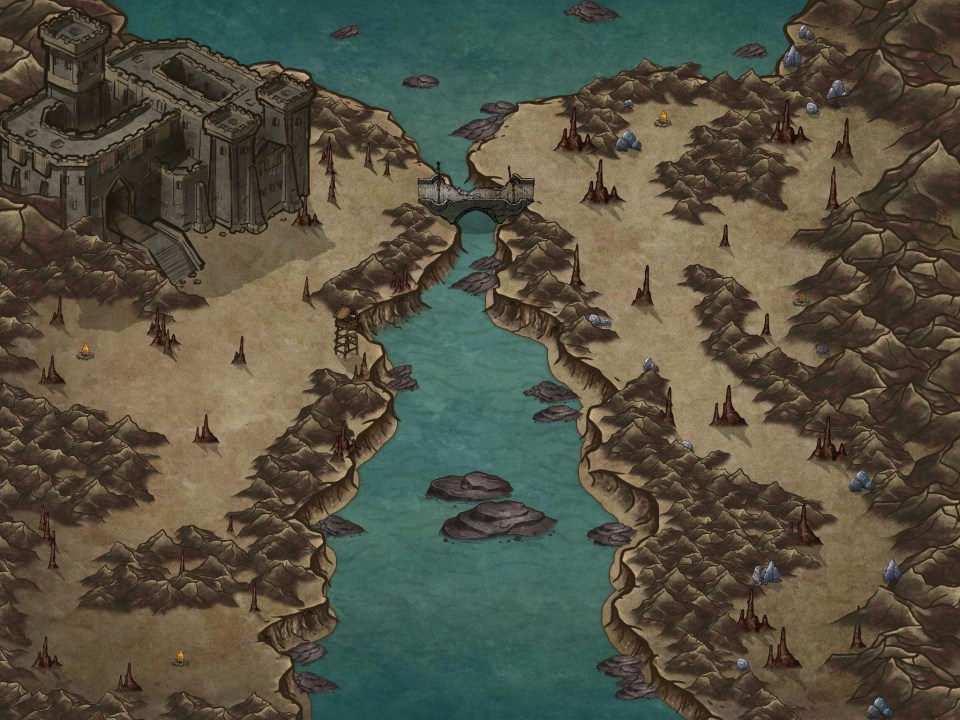
I essentially wanted them to approach my world like they would have if they were playing something like The Elder Scrolls V: Skyrim. I had random encounters ready to go, caves and dungeons they could stumble upon and of course, cities for them to explore. The problem was that I was approaching running a campaign along with map making, as if it were a video game. Some video game concepts might translate better than others, but the way I went about crafting a world didn’t 100% work out. Ultimately, I only ended up using a third of the maps I made before we ended the campaign.
Fast forward to the current campaign I run using the Monster of the Week rule-set, and instead of a massive world that’s been hand crafted, I went went with a city that had only a handful of notable landmarks. Some of these landmarks do have maps associated with them, but for the most part I now rely on my players to tell me where it is they want to go, and flesh it out on the fly by painting a “word picture.” This approach is easier on me, but far less visually appealing for the players. So it’s good to brush up on your improvisation and narration skills before attempting this.

The point I’m trying to make here is about over preparation. I went insane and made 30+ maps, most of which that were never seen before, because I had these grand ideas about where my players would go, and what they’d do. As we all know though, you can’t assume that your players will do anything you plan for. My strategy now is to build each session, maps and all, based off of what happened in the previous one. It lightens the workload a lot and let’s you get particularly detailed with descriptions if you know your players are going to be there for a while.
Being that all of my sessions are run through the Roll20 service, I rely exclusively on online tools and resources to aid me in my map making endeavors. These tools range in quality and scope, but all of them are good for different facets of running a game. So here are a few of my favorite tools and resources for you to use.
INKARNATE
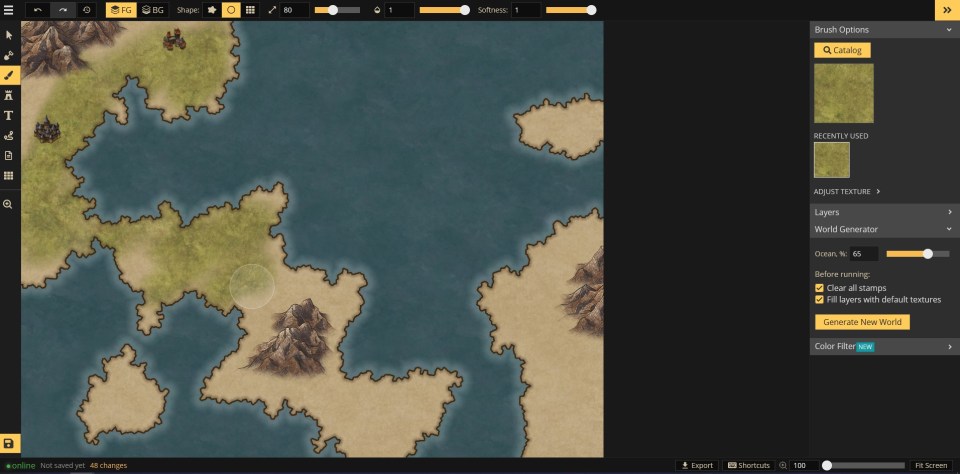
Inkarnate is a really accessible “free” tool that you can use to make all manner of visually striking maps. It has a robust editing suite that has a lot of custom art for you to plop down and create with. Within minutes you can generate a world, regional, or city map with various terrains, buildings and landscapes. The tool is great whether you want to only spend 5 minutes in it, or an hour.
The only thing that could be a drawback is that the free version of Inkarnate, is severely limited in what you can actually use. In the paid version, I have access to hundreds of different objects from different kinds of trees, mountains, buildings, walls, gates and so on and so forth. The free version only had a fraction of that stuff to use, but still enough to pump out a couple of maps.
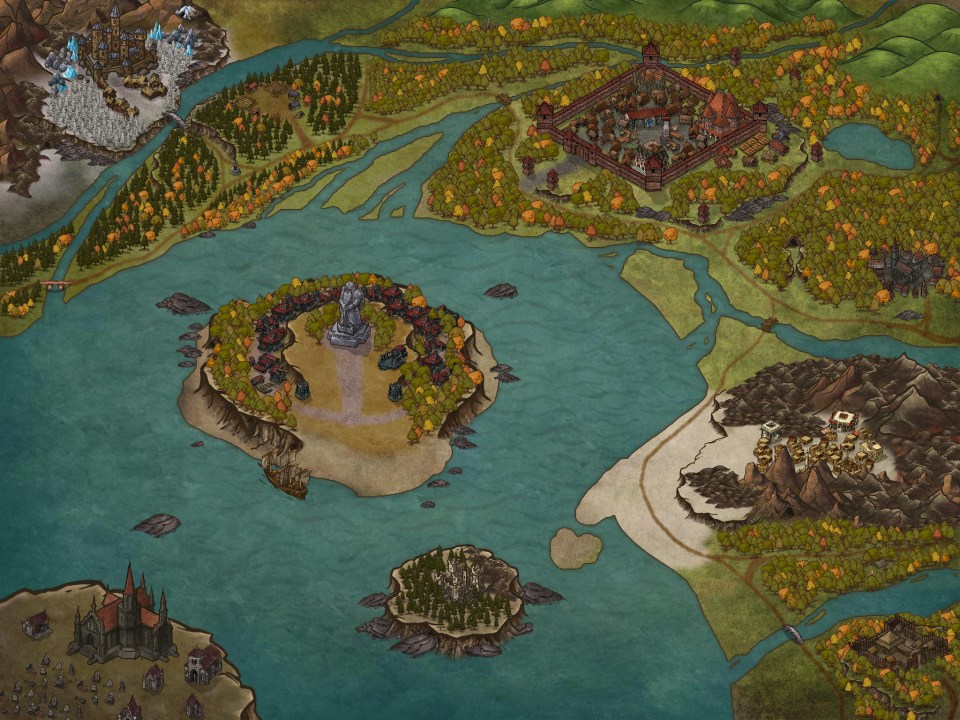
The free version also limits the export quality of your maps in some regards, although while I have the option to export my maps in 4K, I don’t know why I ever would. The silver lining here is that if you did want to shell out cash for the full suite, it’s only 5 dollars a month or 25 for a year upfront. I think it’s worth the price if you need good fantasy themed maps, but if you’re running anything other than fantasy, Inkarnate has basically nothing for you.
MEDIEVAL FANTASY CITY GENERATOR
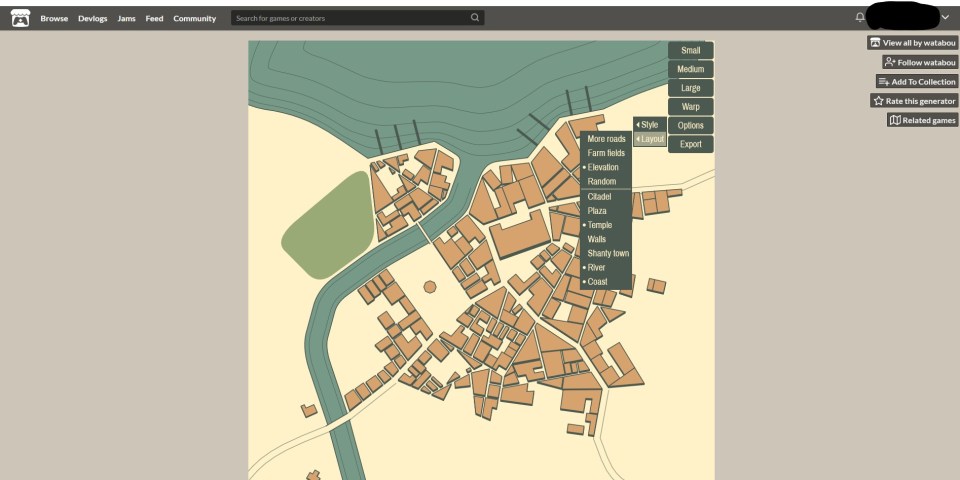
This one is kind of self explanatory, but it’s worth talking about briefly. The Medieval Fantasy City Generator is super easy to use, but fairly limited as well. With only a few clicks, you can generate a top-down view of a city and determine if there are farms, roads, coastlines, and other things like that. It’s quick, it’s simple, and it’s free.
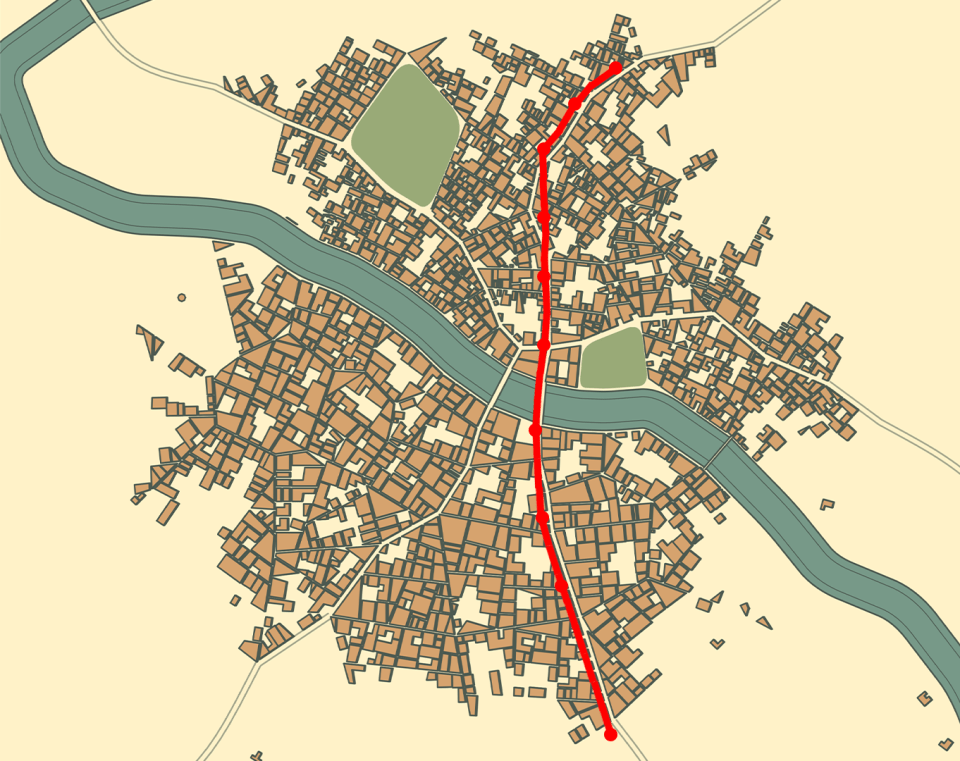
What this tool isn’t however, is super customizable. You can choose different color and object options to toggle on and off, but you can’t really get granular with it. You can edit the dimensions of certain objects in the city, but that’s about the extent of it. I actually used this tool to make my modern day, Monster of the Week city, and it’s worked out pretty well.
DUNGEN
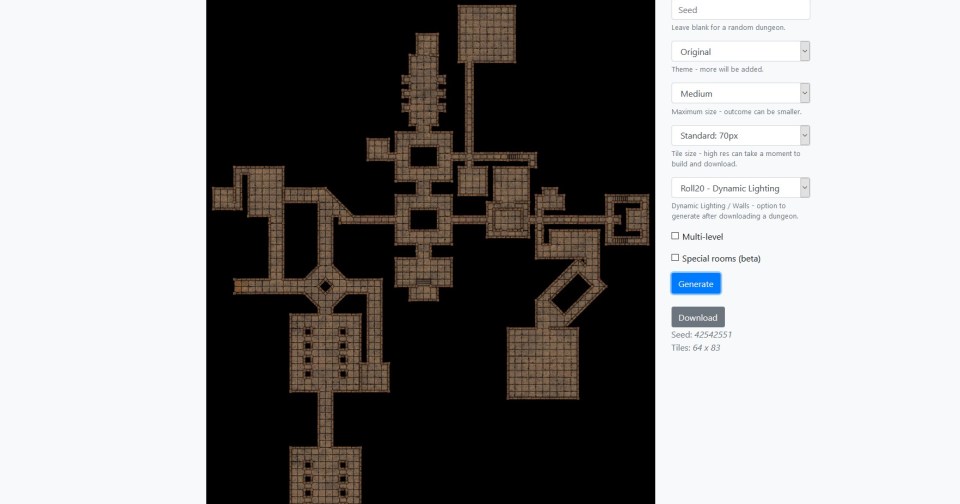
Want to generate a dungeon really quickly? Well DunGen has got you covered, although not completely unless you back the maker’s Patreon, which you should consider if you like this tool.
With DunGen, you select a few options, size, theme and levels, and in seconds you’ll get a pretty awesome looking dungeon. As I’m writing this in early April of 2020, the creator has unlocked some Patreon exclusive features for everyone to use during the pandemic, such as higher resolution downloads, and automatic dynamic lighting integration for Roll20 users.
Since the tool is using pre-generated assets which it stitches together, the maps can feel a little “samey” in spots. But despite that, it’s one hell of a tool that I’ve used several times in conjunction with the art assets I have on Roll20. Just drag a couple of boxes and torches or whatever on to one of these dungeons, and you’ve got something people will think took you hours.
DONJON
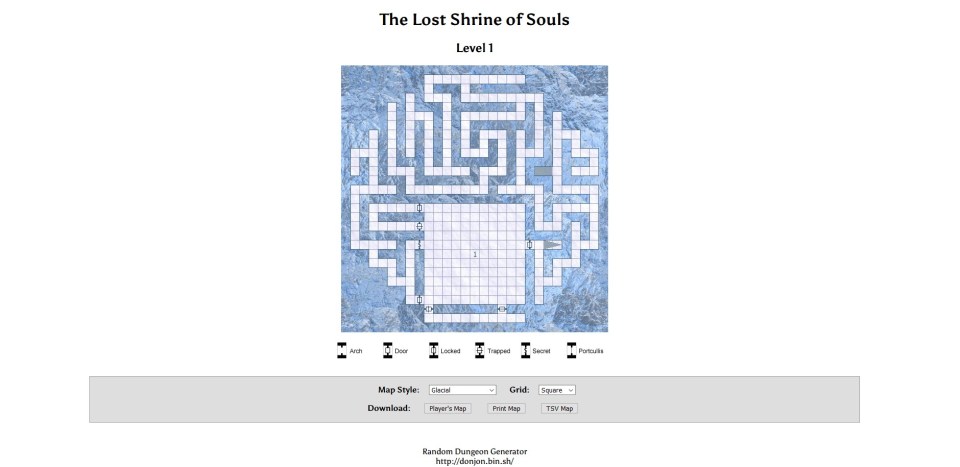
Finally, I’d like to highlight something that isn’t just a map making tool, but something all GMs should explore. Donjon is a massive resource that includes, various map generators with annotations for doors, traps, and stairs, as well as a generator for just about anything you can think of.
In a matter of clicks, not only can you make dungeons, but you can just generate full quests and locations. For instance, the image below this paragraph was just the first thing that came up when I clicked on “inn generator.” I now have this one page that not only gives me a quest to give my players, but menu items, NPCs, rumors and a description of the place itself. In one click, I am able to describe a scene that might take me a while to write, and even longer to illustrate.
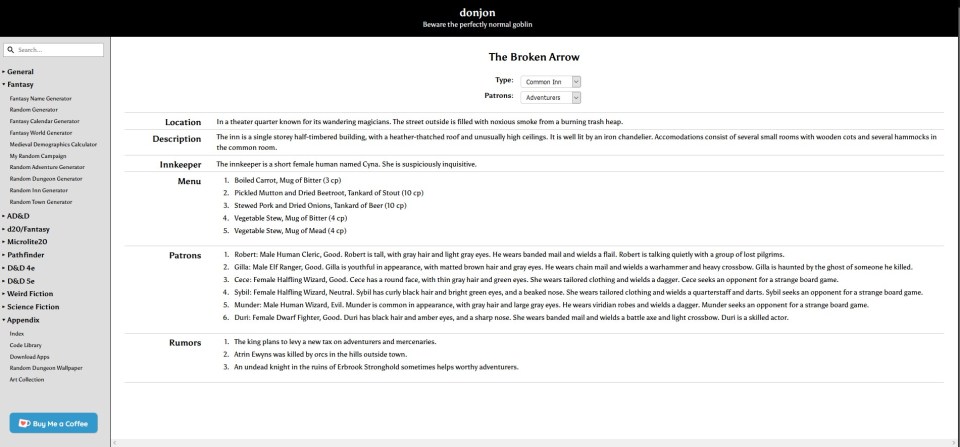
Donjon is an amazing set of tools that everyone should check out. If you just need a dungeon, click here, but I strongly suggest you check out the entire suite of tools they have available.
This feature has already run pretty long, but I just have one or two more things to touch on really quickly. Firstly, make sure your maps are clear and legible. What is just a stack of useless boxes you plopped in the corner for flavor, might turn into a 20 minute conversation about looting the boxes because your players don’t know any better. Not to say that those conversations aren’t useful or fun, but if you’re on a time crunch like we usually are, minimize the amount of confusing imagery on your maps.
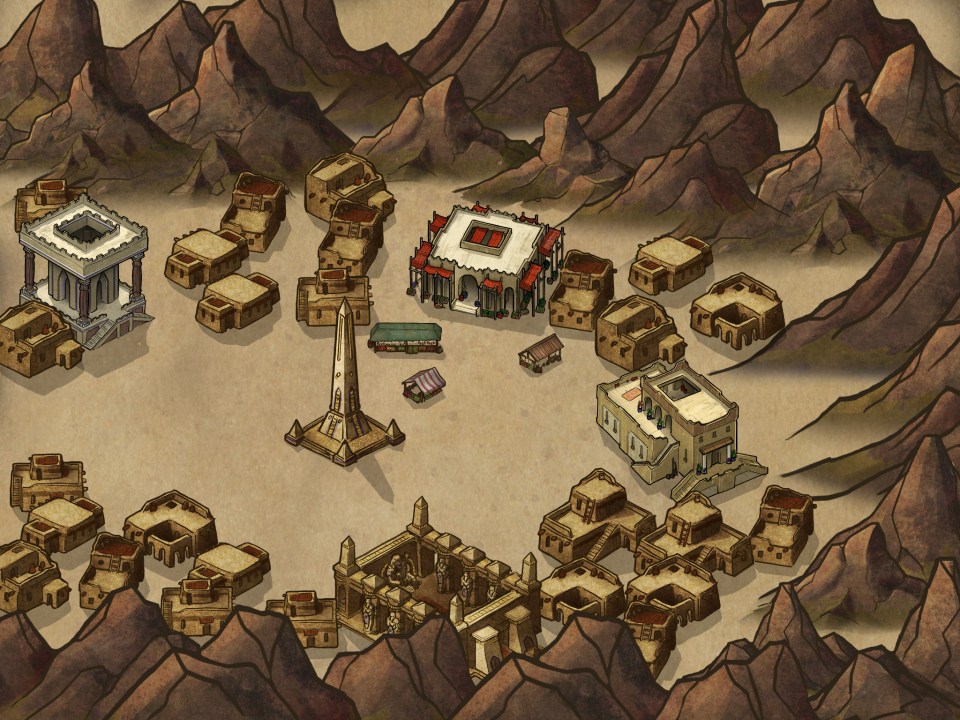
Finally, and this one is pretty obvious, but make sure each room has a purpose. I know there’s only so many goblin sleeping quarters and dining halls you can stuff into one dungeon, but there is nothing more deflating to a player than the feeling that exploring is a futile effort. These aren’t just maps, they’re supposed to be visual representations of “real” places. Not many people just have an empty room in their homes that exists for no reason.
Anyway, thanks for sticking with this one for as long as you did. I could go on and on about making maps and easily double the word count on this feature, but my fingers are starting to cramp. So for all of you DMs out there who suddenly have to migrate to online sessions, I hope these tools helped a little.
 PRAEY FOR THE GODS

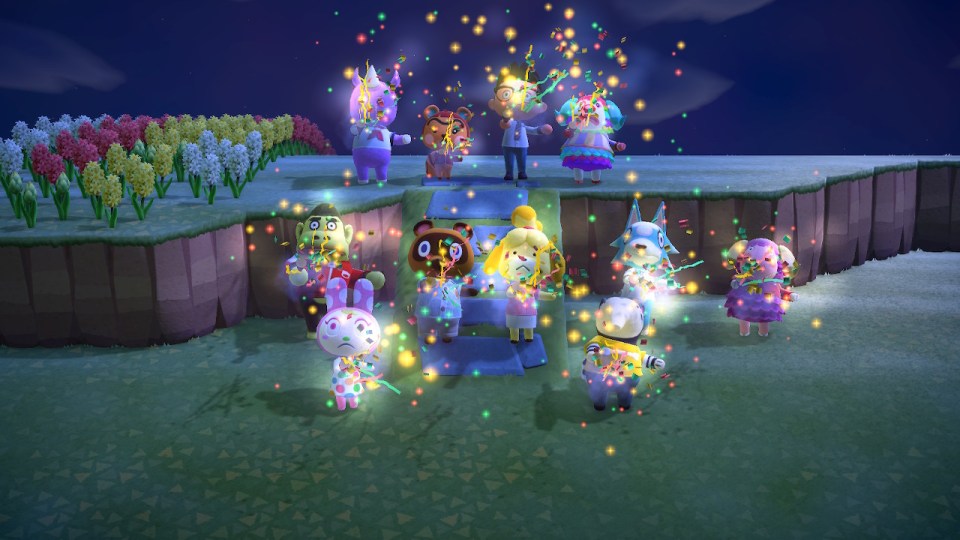 It was supposed to be cute and happy, but it very quickly went from charming to annoying and then to frustrating. So how could something designed to be so lighthearted become so despised by many Animal Crossing: New Horizons players? Well there are a few reasons.
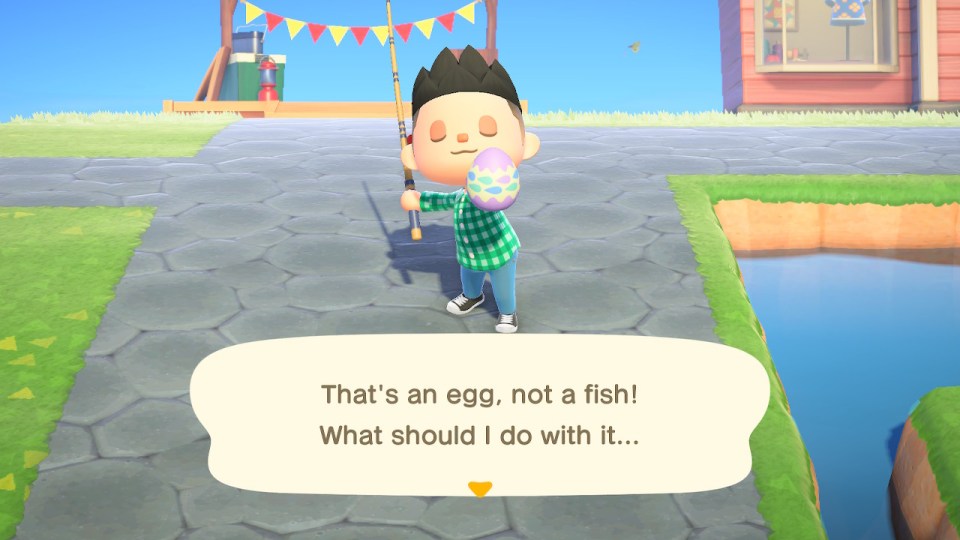 The second and possibly biggest reason has to do with one of the core mechanical changes in Animal Crossing: New Horizons, crafting. In New Horizons a focus has been put on crafting furniture and tools through the use of raw materials that you find throughout the world. Chop a tree for would, hit a rock for iron and so on and so forth. The problem is that while you could whack a tree reliably for three pieces of wood, now there’s a high chance that at least one of them will actually be an egg. How an egg was hidden inside the bark of a tree, I’ll never know.
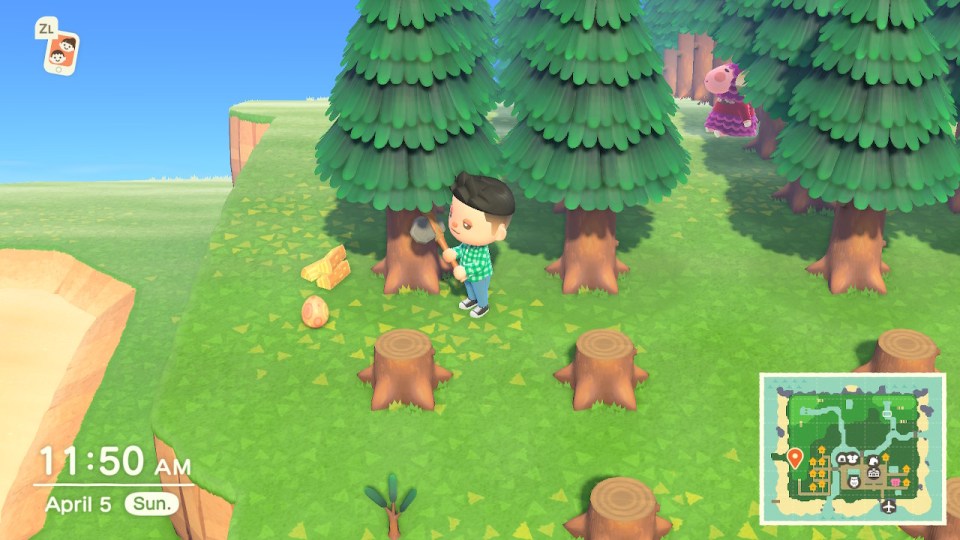 This leads to my third issue with Bunny Day. Even though I’m actively not participating, I’m still wasting my time getting bamboozled by what looks like fish in the water, but are actually sentient, swimming eggs. I’ll go to dig up what should be a fossil, and instead it’ll be a special subterranean egg. Not only does it waste my time, but it wears on my tools. My fishing rod will break because I wasted it’s good fishing energy on a stupid egg, which leads to me having to march over to a tree to get wood (and more eggs), head to a crafting table to make another fishing rod, and then head back to do this stupid cycle over again.
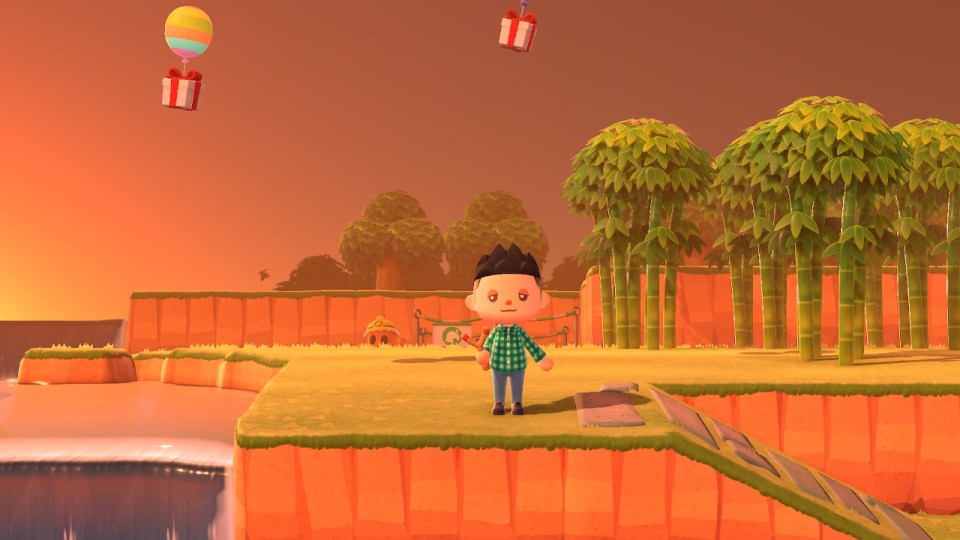 For those keeping score at home, this holiday was forced upon me, even if I don’t participate in it I have to suffer through its dumb mechanics, and it’s a colossal waste of time and resources that I cannot escape from and must endure. Bunny Day sucks shit and it goes on too long. I don’t want your heinous egg-themed furniture, I don’t care about any of it, I just want it to go away.








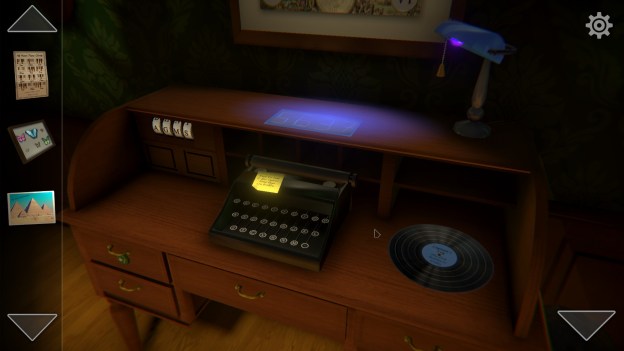
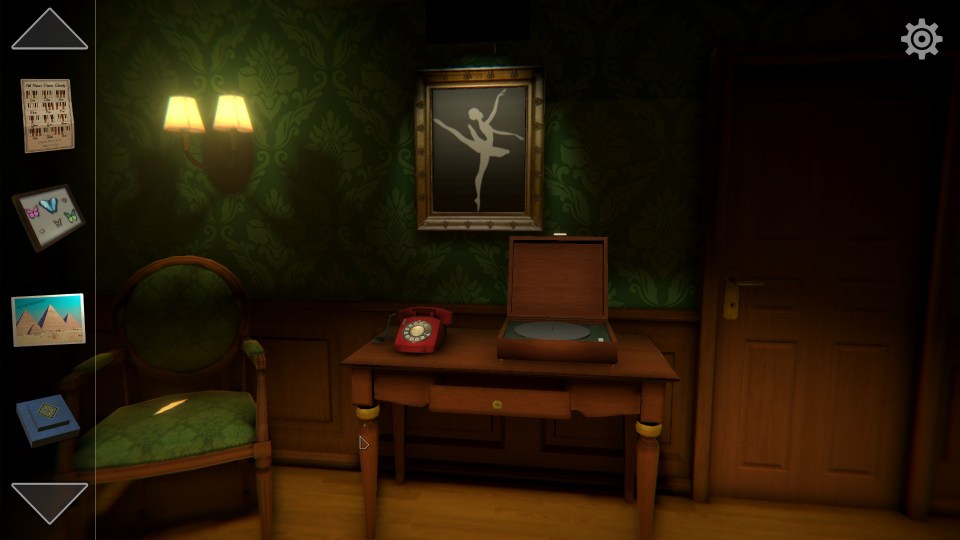
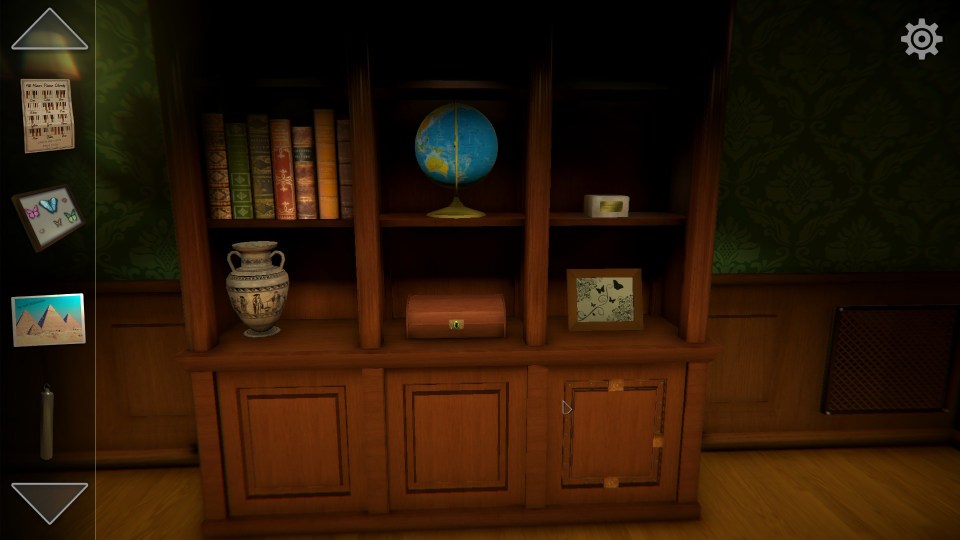
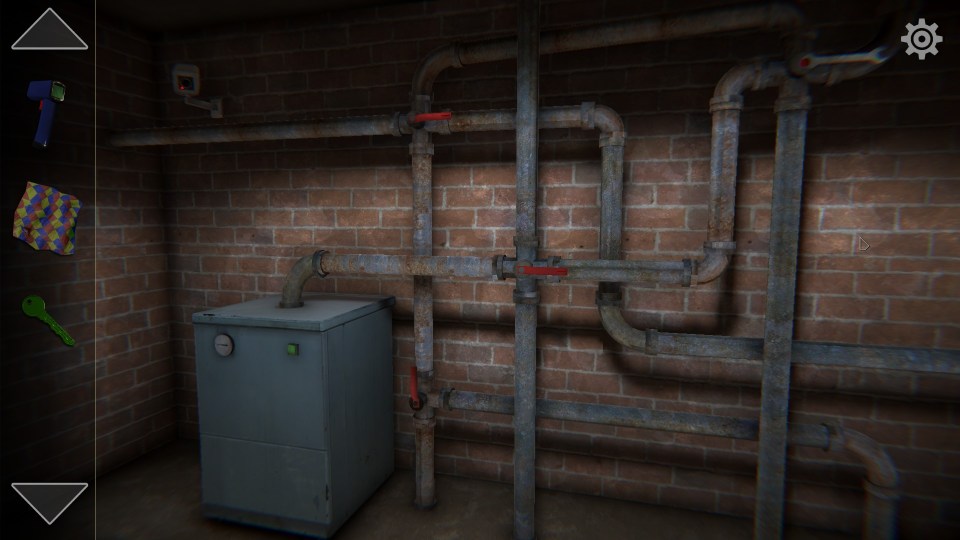
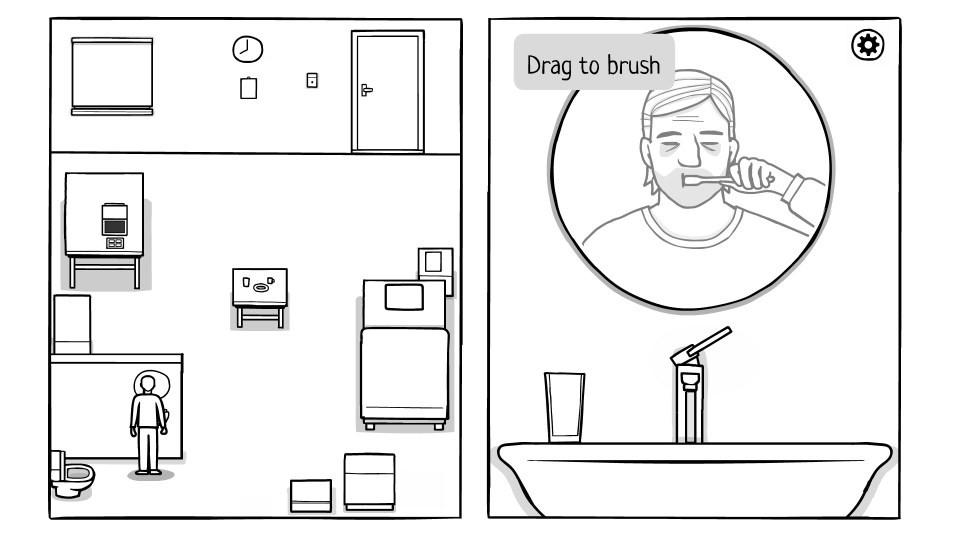 The broad pitch for The White Door is that it’s a psychological mystery game about a man who is in some sort of medical facility. His memory is fractured which requires his doctors to frequently quiz him on details about his life. The whole game sets up this idea that this man had a mental break after a series of failures and missteps in his personal life.
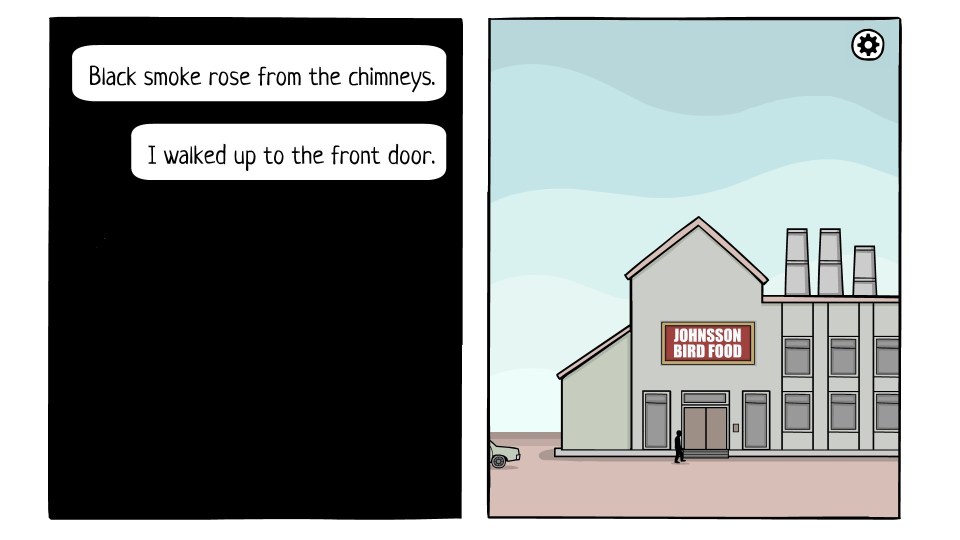 While the story itself is mediocre, the gameplay is somewhere between dull and bad. It’s a point and click style adventure game that has you interacting with the environment along with playing a few mini-games, but the collection of puzzles included range from painfully easy to unbelievably obtuse. Memorizing patterns and answering the questions your doctors give you are pretty straightforward, but later in the game you’re tasked with identifying symbols and numbers that in some cases, are almost impossible to figure out without some outside help.
 I don’t mean to sound so hard on The White Door because I genuinely think there are some good ideas on display here. The presentation and storytelling methods are neat and deserve to be fleshed out more, while the puzzles could certainly use some refining. It isn’t a bad game, hell, you might even enjoy it. It’s only about two hours long which is nice, but even in that short window I started to feel as if it was overstaying its welcome. I’d be curious to see what a second pass at The White Door looks like, but I can’t say that I’m impressed with the game as is.
 The Bonus World